For the grandparent who never got along with screens
Video calls Grandma never has to figure out.
GrandmaCall turns the tablet she already has into a one-touch video phone. No account, no menus, no missed calls: she touches a face, or the call simply opens by itself.
Free to start. iPad, Android tablets, iPhone and Android phones.

How it works
Set up once. She never touches a setting.
Put a tablet on a stand
Any iPad or Android tablet from the last few years, or an old iPhone or Android phone. Leave it plugged in, next to her armchair or in the kitchen.
Link it with your phone
Open GrandmaCall on the tablet, choose “Grandma mode” and scan its code with your phone. The family joins with a link.
Call, or just appear
She touches a face to call you. When you call her, the tablet rings, then opens the call by itself if she can't get to it.
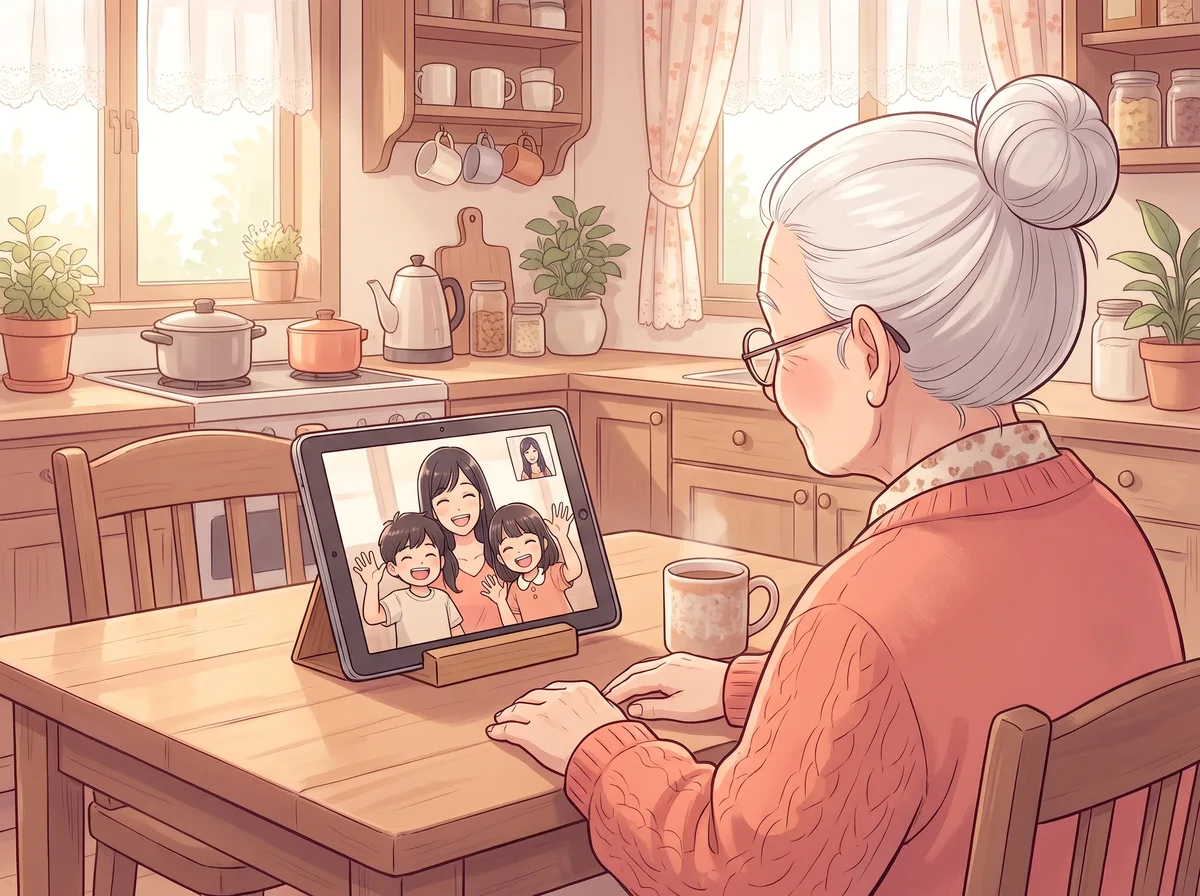
Answers by itself
No more “I couldn't find the green button.”
For the family members you trust, the call opens on its own after a few rings. She hears you, sees you, and talks. That is all.
- The tablet always rings and shows who is calling first
- Only the people you mark as trusted can use it
- Quiet hours, so nobody appears at night
- She can always say “Not now” with one touch
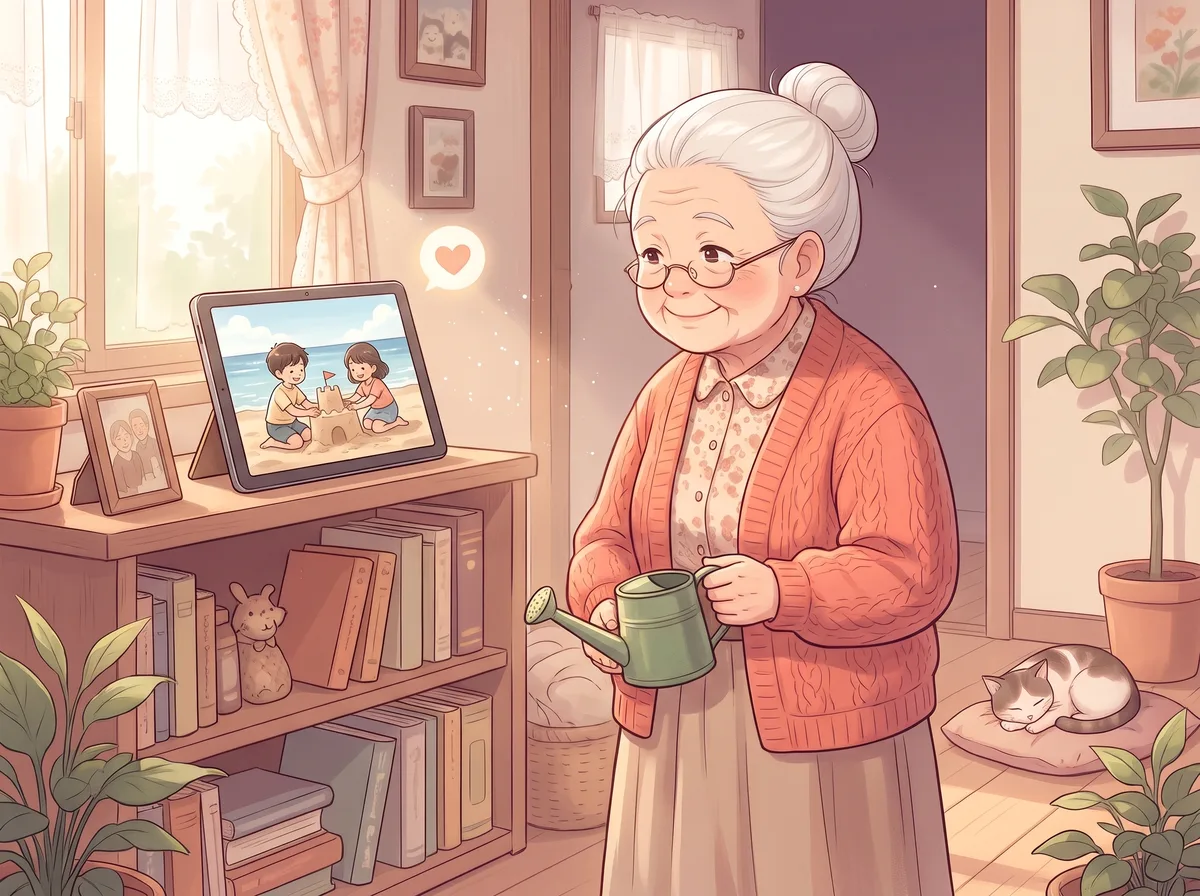
Family photo frame
Between calls, the family stays in the room.
When nobody is calling, the tablet shows the photos you send from your phone: the birthday, the beach, the first day of school.
- Send a photo in two taps, from anywhere
- She answers with a heart, and you see it
- One touch on the photo brings back the faces to call
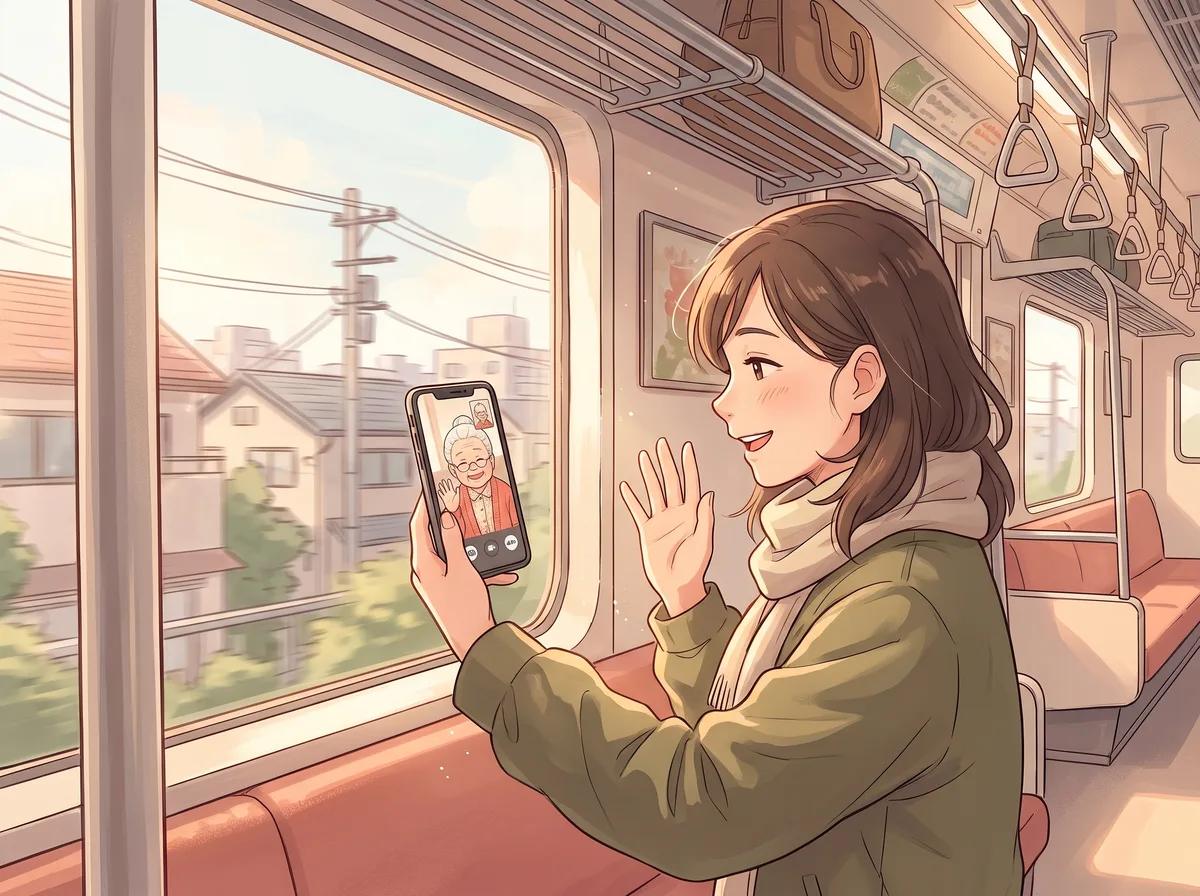
Everything from your phone
Volume too low? Fix it from 500 miles away.
Everything on her tablet is set from the family app. You never have to talk her through a menu on the phone.
- Who can call, and whose calls open by themselves
- Ring volume, quiet hours, text size
- An alert if the tablet goes offline or gets unplugged
The real app
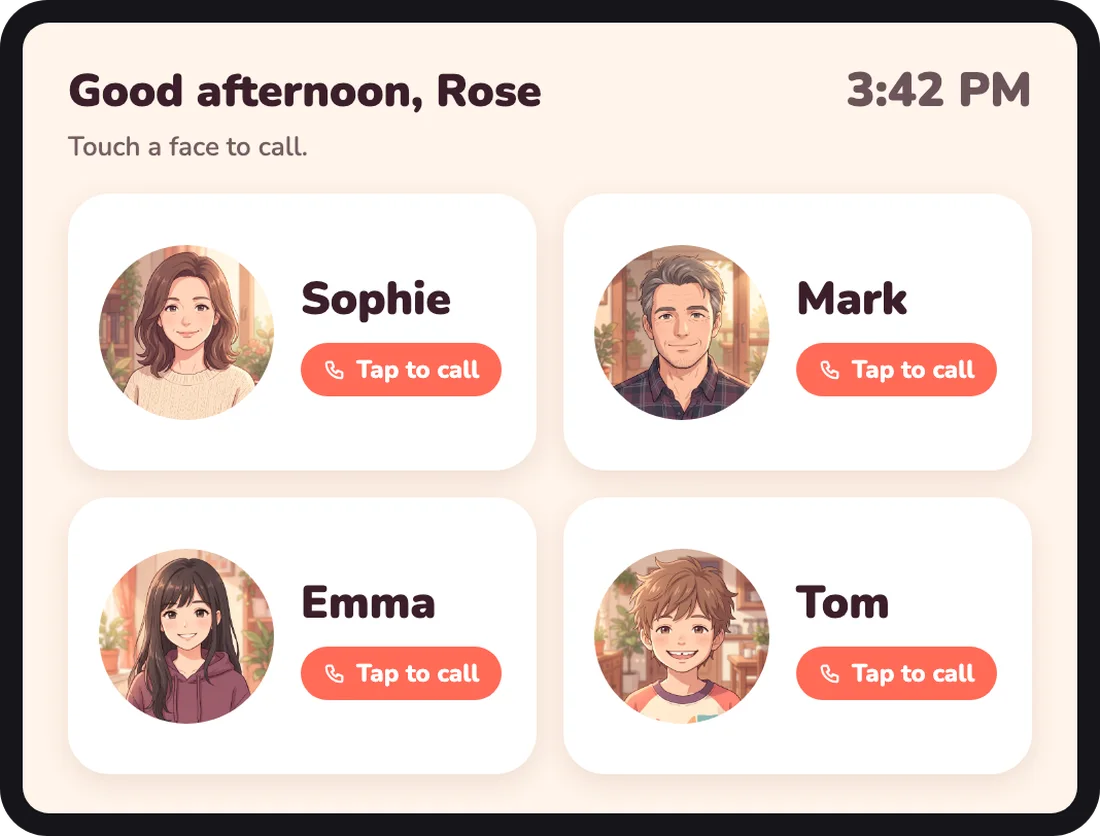
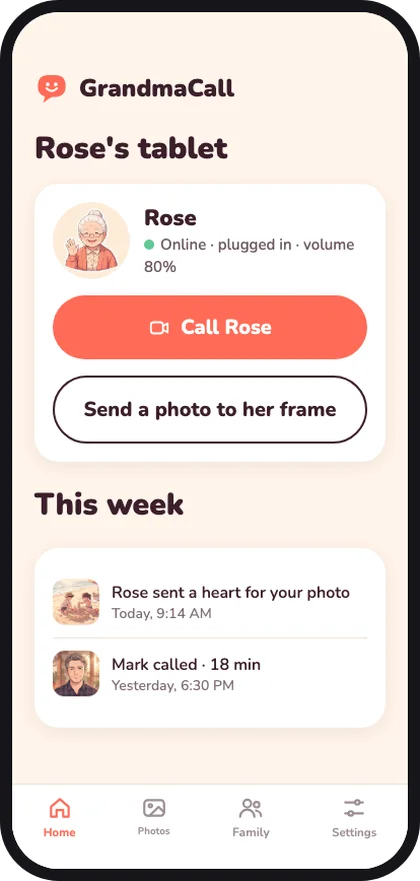
One screen, four faces. That is the whole app for her.
The illustrations tell the story. This is what is actually on the screens.
Compare
A senior tablet, without buying a tablet.
Dedicated devices for seniors work well, and cost a few hundred dollars plus a subscription. Regular video apps are free, and expect her to manage on her own.
| Dedicated senior device | Regular video apps | GrandmaCall | |
|---|---|---|---|
| New device to buy | Yes | No | No, any recent tablet |
| What she has to do | Usually one touch | Find the app, answer in time | Nothing, or one touch |
| Account and password for her | Sometimes | Yes | None |
| Family photo frame when idle | On some models | No | Yes |
| Settings changed from far away | On some models | No | Yes, all of them |
Why families choose GrandmaCall
Made for the person who gave up on tablets.
Nothing to buy
No special device. The tablet in the drawer becomes her video phone.
No account for her
No email, no password, no updates to accept. She never sees a login screen.
Nothing to get lost in
One screen with faces. No menus, no ads, ever.
Private by design
Calls go straight from device to device, encrypted, and are never recorded. Only the family you invite can reach her.
Readable from across the room
Very large faces, names and buttons, with strong contrast.
Also for disability and illness
Useful for anyone who cannot handle a phone: after a stroke, with low vision, with memory loss.
Pricing
Calling Grandma is always free.
Start with 30 days of everything, no card needed. After that, calls stay free forever, and one small plan unlocks the rest for the whole family.
Free
For one family member
- One-touch video calls, both ways
- Full-screen ringing on your phone
- Remote settings and quiet hours
- 1 family member
- 5 photos in the frame
Family
or a yearly plan with 7 days free. One subscription for everyone; the price in your currency is shown in the App Store or Google Play.
- Everything in Free
- Up to 8 family members
- Calls that open by themselves
- 200 photos, hearts and “seen”
- Urgent calls at night
- Alerts if the tablet goes offline or is unplugged
Questions
Good to know
Which devices work?
Both Apple and Android: iPad, iPhone, Android tablets and Android phones from roughly the last six years. For her, a tablet on a stand is easier to see and hear, but an old iPhone or Android phone works too.
She has never used a tablet. Will she manage?
That is who GrandmaCall is for. There is one screen and nothing to learn. With automatic answering she does not even need to touch it.
Can a stranger call her?
No. Only family members you have invited and approved appear on the tablet, and only the ones you mark as trusted can use automatic answering.
Is the camera on all the time?
No. The camera turns on only during a call. The tablet rings and shows who is calling before any call opens, and quiet hours block calls at night.
Does it need a phone line or a SIM card?
No, only Wi-Fi. A tablet with mobile data works as well.
How does she leave the app by mistake?
She can't easily. On Android, GrandmaCall becomes the tablet's home screen. On iPad, you turn on Guided Access once during setup, and the app shows you how.
How much does it cost?
Calls are free, with one family member and five photos in the frame. The Family plan adds automatic answering, up to eight family members, 200 photos, urgent calls and alerts, from $3.99 a month, with 30 days of everything to start, no card needed.
When will it be available?
The first version is in testing. Leave your email and we will write to you as soon as it opens on the App Store and Google Play.
Guides
Guides for families
Practical answers to the questions families ask before setting up a tablet for a grandparent.
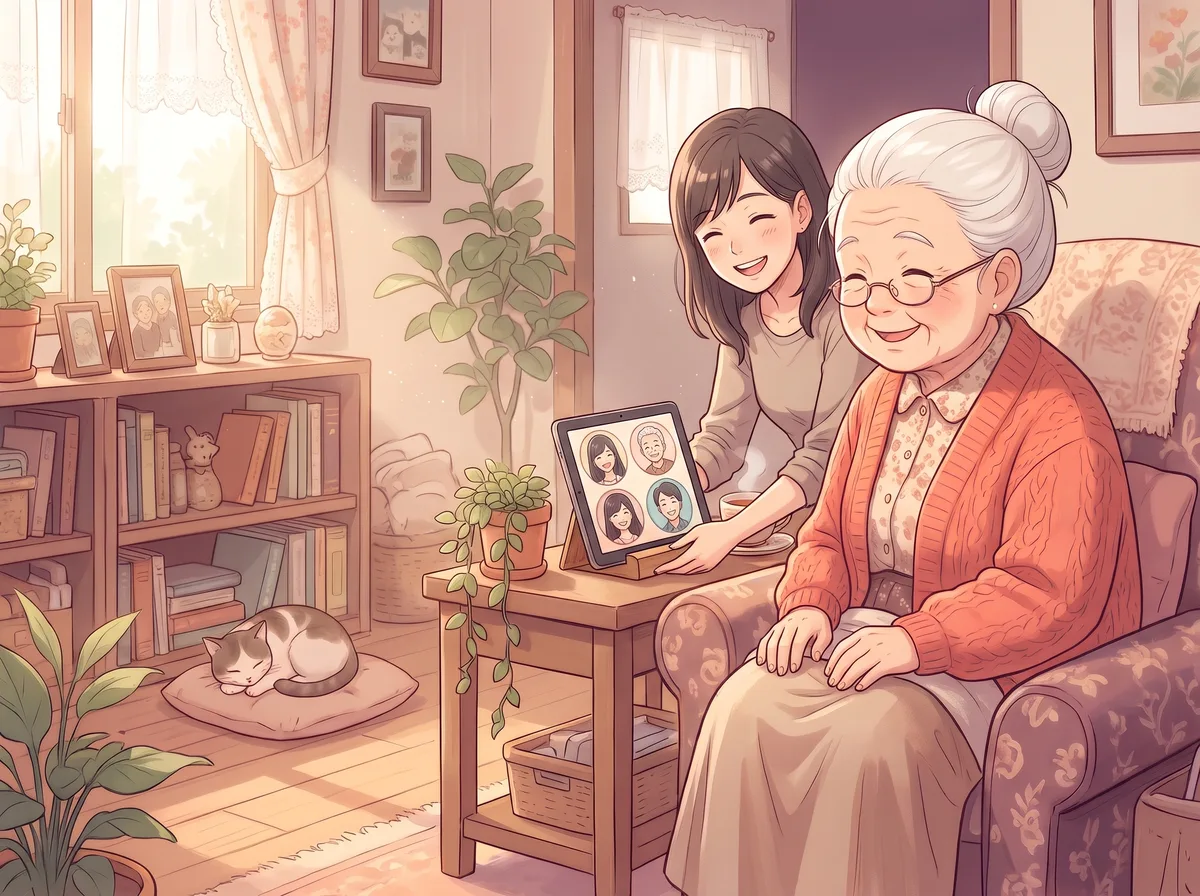
A tablet for seniors, without buying one
What an older person really needs from a tablet, and how to get it from the iPad or Android tablet in your drawer.
Read the guide →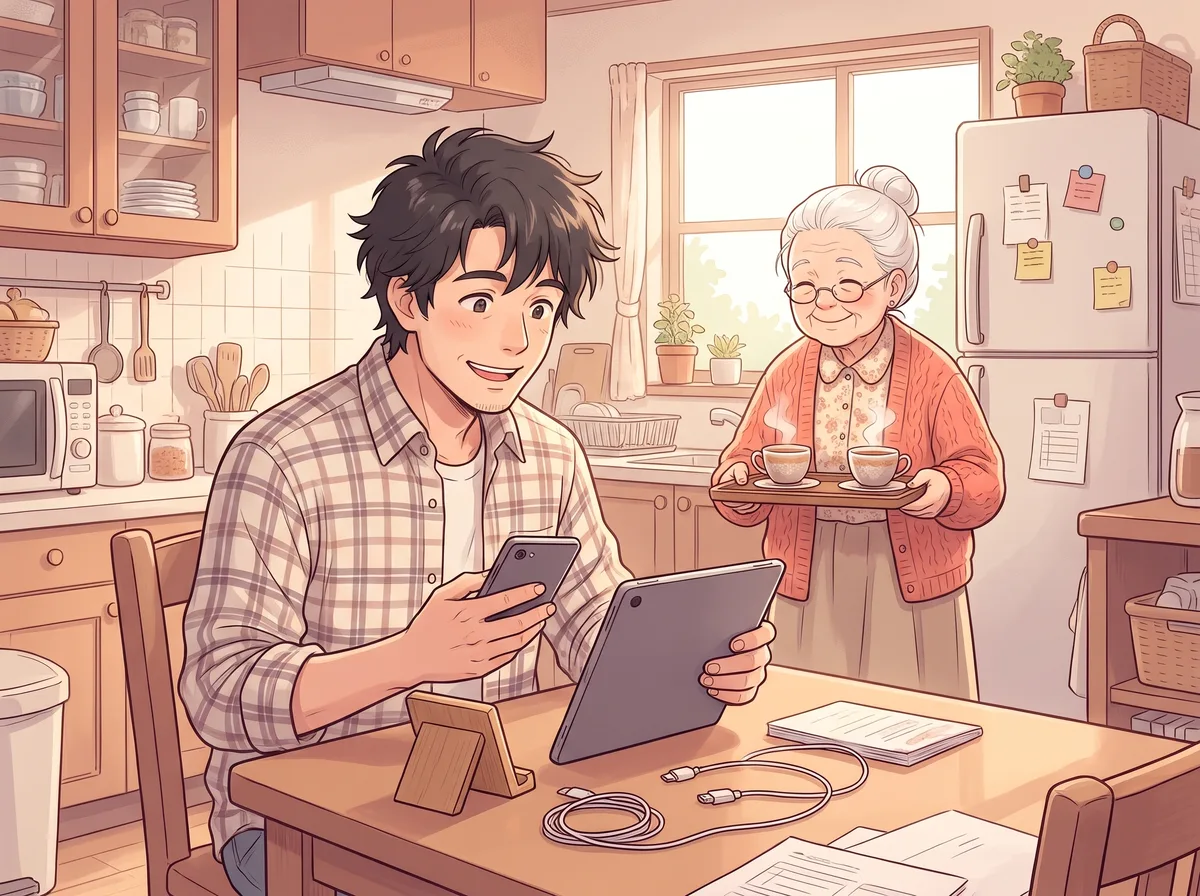
Set up an iPad for an elderly parent
Larger text, fewer distractions, Guided Access to stay on one app, then one-touch video calls.
Read the guide →Video calls with nothing to press
Why video calls fail for older people, and how a call can open by itself while staying respectful.
Read the guide →A photo frame that also makes calls
Turn a tablet into a family photo frame you fill from your phone, on the same screen she uses to call you.
Read the guide →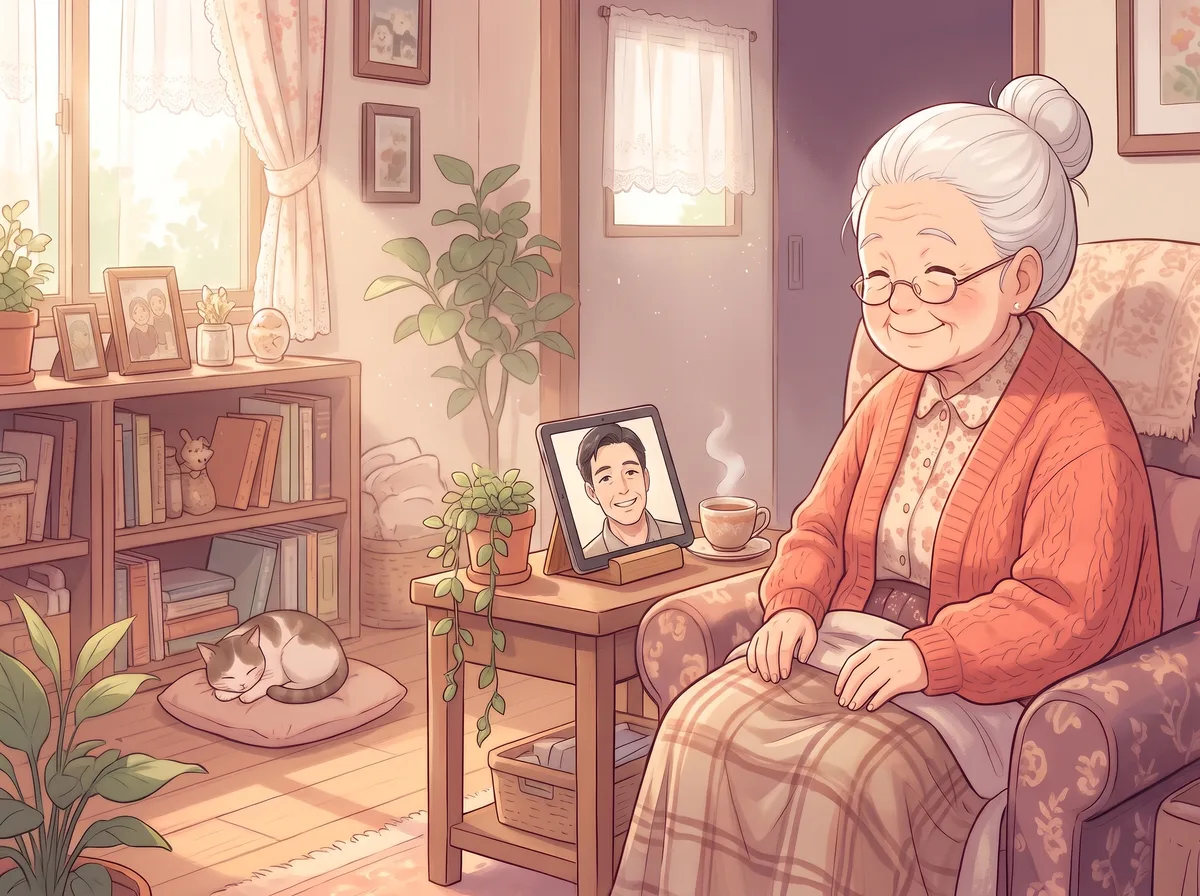
Keeping in touch with a parent who has dementia
When the phone becomes too hard: what tends to help, what a tablet can and cannot do, and how to talk about consent.
Read the guide →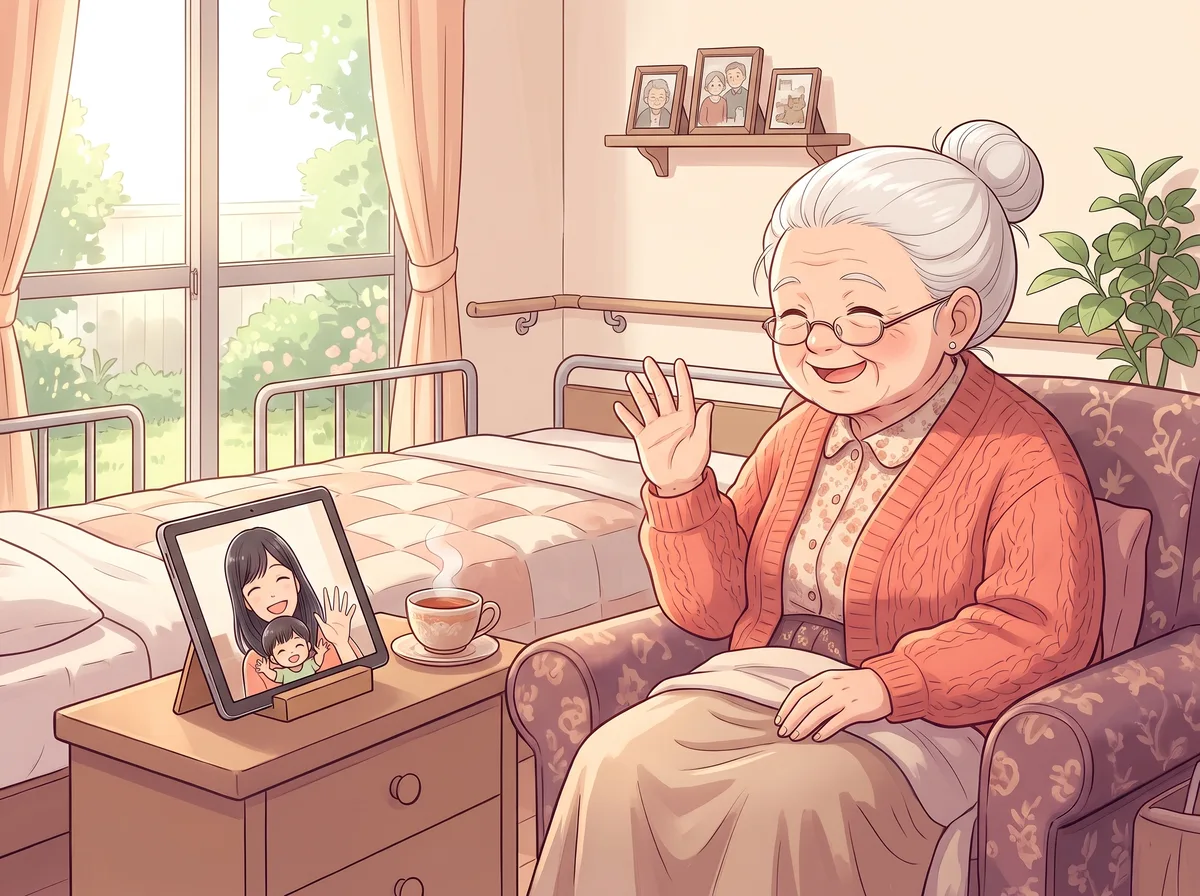
Calling a parent in a care home
What to ask the home, how to set up a tablet in the room, and how to respect staff and roommates.
Read the guide →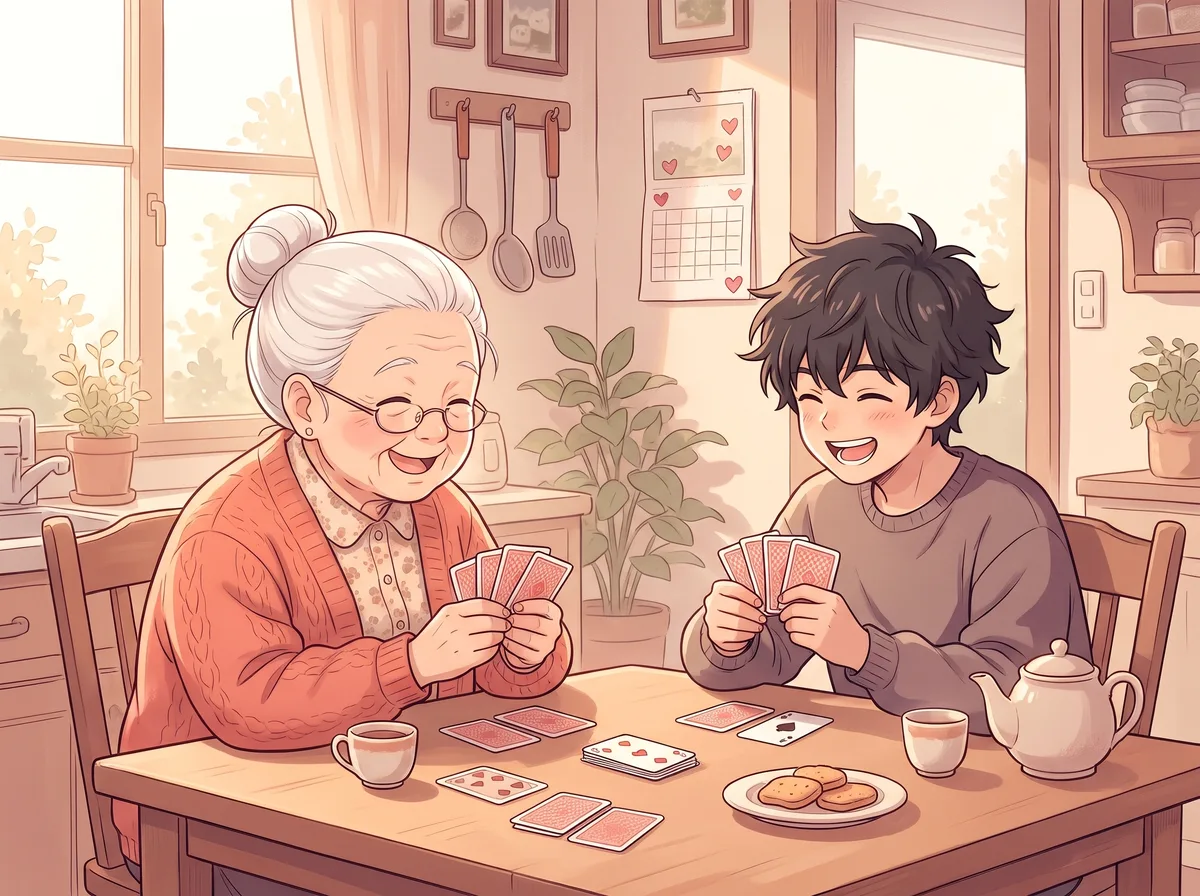
Loneliness in elderly parents: what helps
Signs to notice and concrete ideas that work from near or far. The tablet is only one of them.
Read the guide →
Be there, even when you can't be.
Join the early access list and set up her tablet as soon as GrandmaCall opens.
Free to start. iPad, Android tablets, iPhone and Android phones.