Video calls with a parent in a care home or nursing home
Once a parent moves into a care home, calls get harder just when they matter most. With a little preparation, a tablet in the room lets you see each other without asking anyone for help.
Updated November 22, 2026
What gets in the way
Staff are kind and busy. A shared tablet has to be booked. The telephone in the room rings while your mother is at lunch. Her own mobile phone is at the bottom of a drawer with a flat battery.
The aim is a call that works without a third person: no member of staff holding a tablet, no appointment, nothing for her to operate.
Before you bring a tablet: what to ask the home
- Is there Wi-Fi in the rooms, and is it open to residents? If not, a tablet with a mobile data plan works
- Is there a socket near her armchair or bed where the tablet can stay plugged in?
- Are there rules about personal devices or cameras in rooms?
- When are meals, care and activities, so you can avoid calling then?
- Who should know about the tablet? Tell the staff what it is and what it does
This conversation is worth having. Staff who know what the tablet is will plug it back in when the cleaning trolley has unplugged it.
How to set up a tablet in her room
Prepare everything at home
Install GrandmaCall on the tablet, choose “Grandma mode” and scan the code with your phone. Add the family faces. She has no account or password.
Connect it on site
Join the home's Wi-Fi during a visit, or use a tablet with mobile data. Make a test call from the corridor.
Find the right place
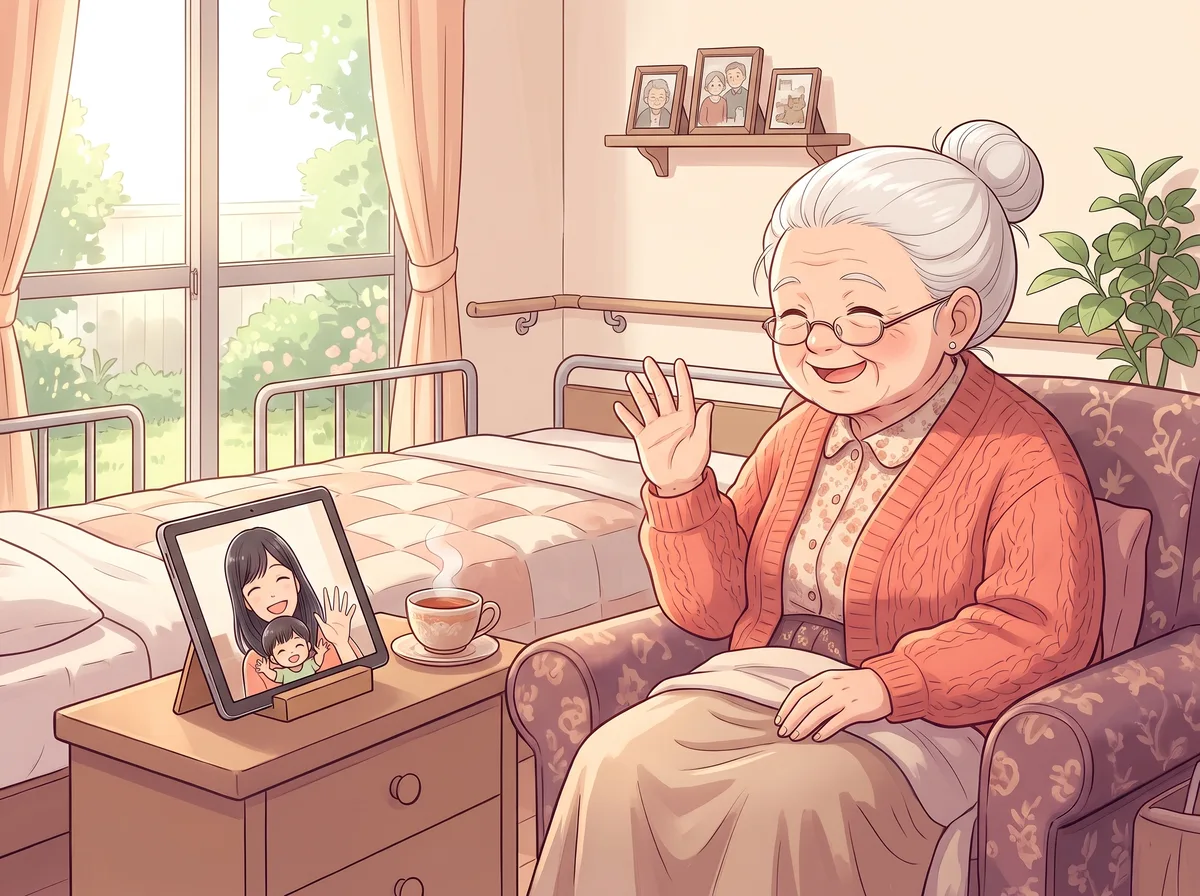
On a stand, plugged in, facing her armchair and turned away from the door and from any roommate's bed. Put her name on the tablet and the charger.
Set the hours from your phone
Use quiet hours for the night, and adjust the ring volume to the room. Agree with the family on good moments to call.
Calls that do not depend on anyone
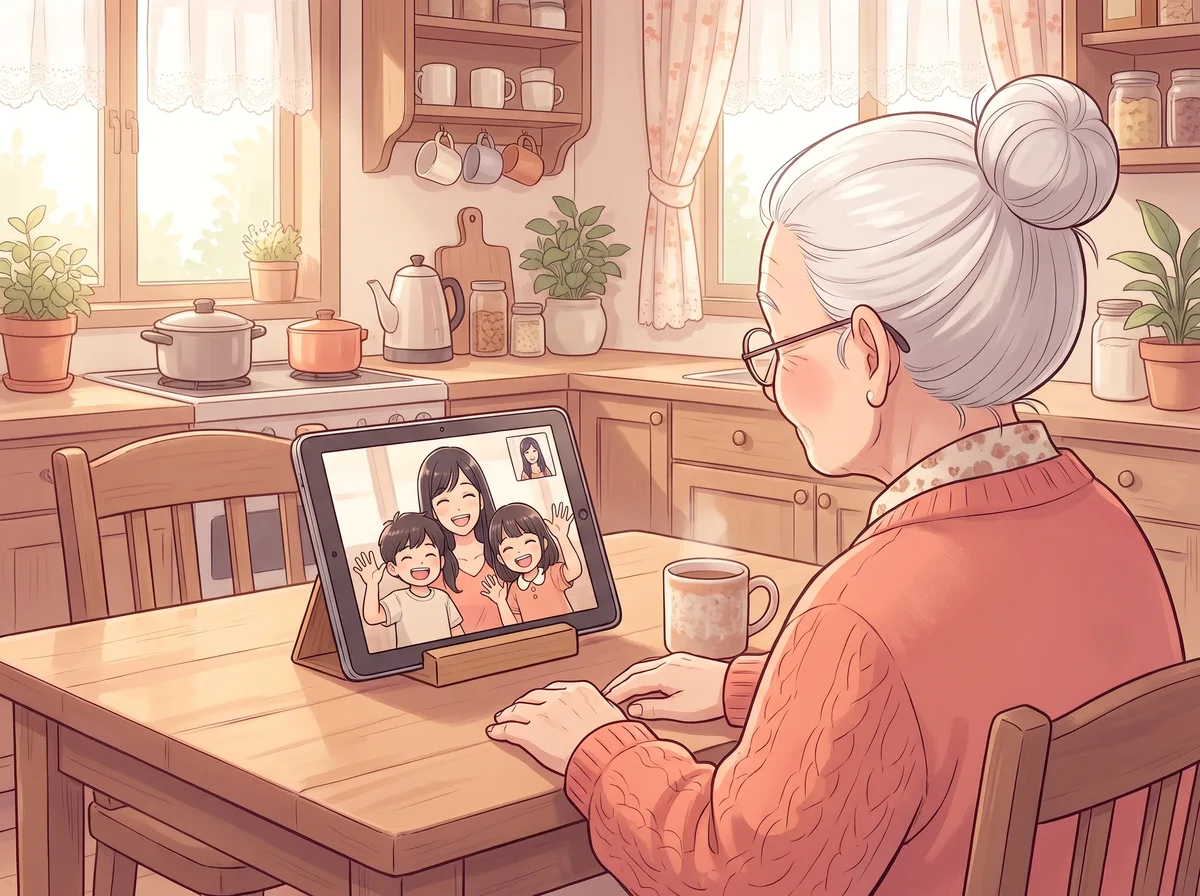
When a trusted family member calls, the tablet rings and shows who is calling. After a few rings, if she has not answered, the call opens by itself. She can say “Not now” with one touch. If she wants to call you, she touches your face.
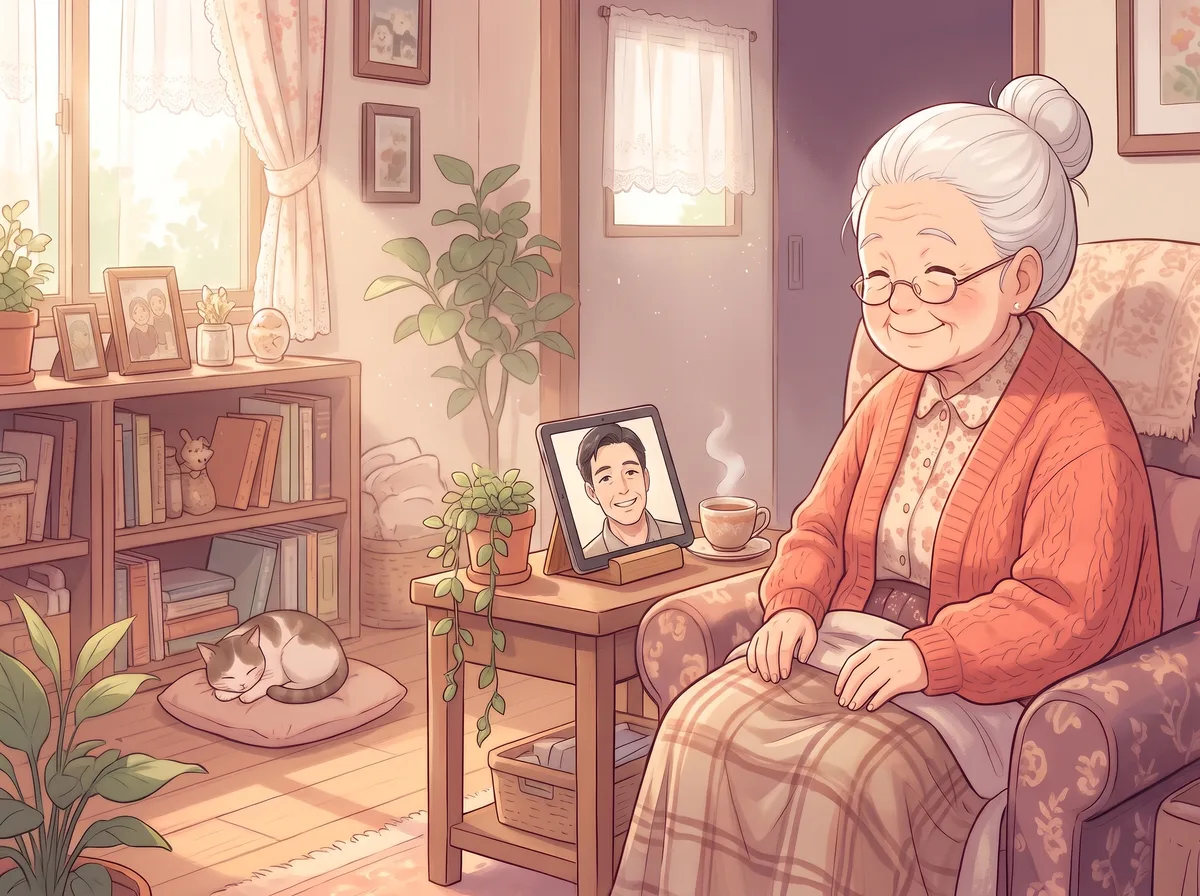
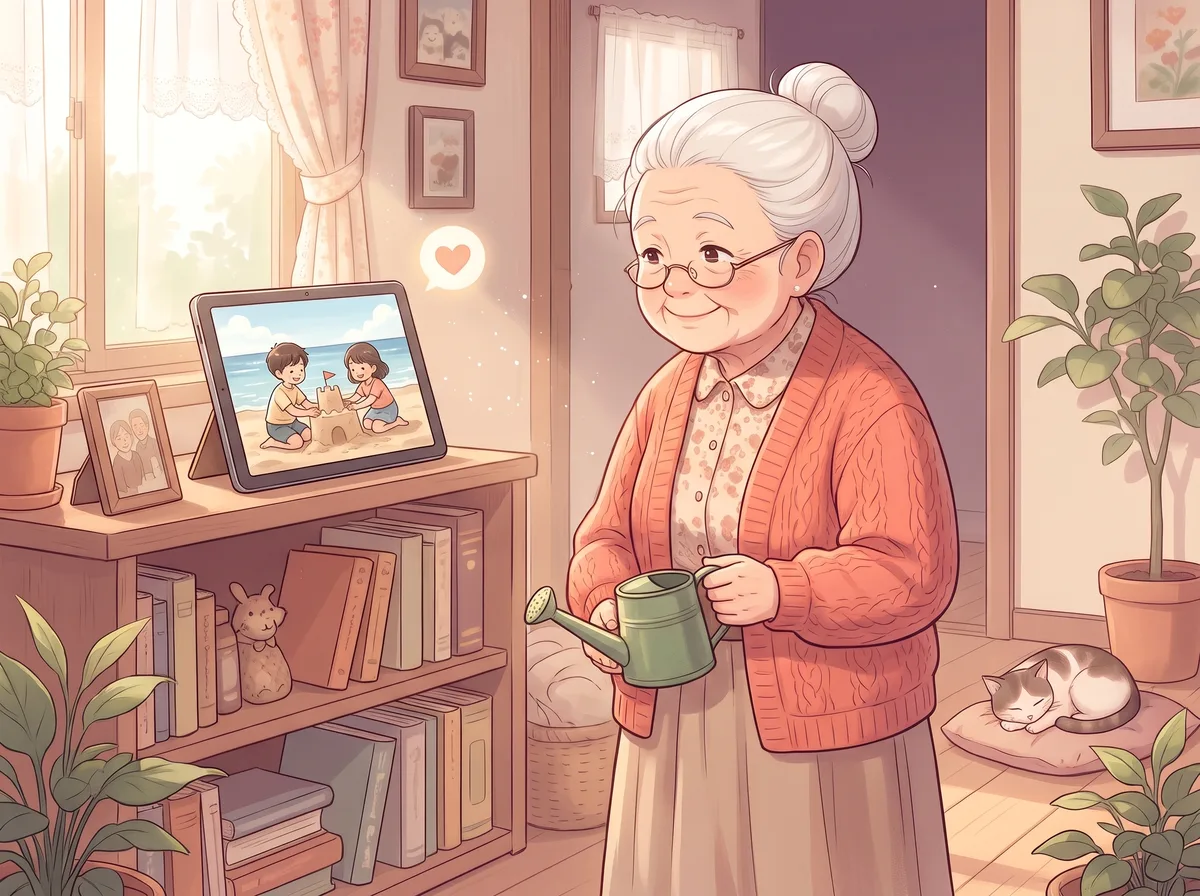
Between calls the tablet shows the family's photos. In a room that is not quite home yet, familiar faces on the shelf help make it hers. It also gives staff something to talk about with her. See the photo frame for grandparents.
With the Family plan you get an alert if the tablet goes offline or is unplugged. In a care home this matters: you learn about the problem in the afternoon instead of discovering it after three missed calls.
Respect the people around her
- The camera is on only during a call, never in between
- In a shared room, ask the roommate and their family, and point the tablet away from their side
- If a carer is in the room during a call, say hello and offer to call back later
- Do not use calls to check on the staff. That is not what the tablet is for, and it damages trust
If your parent has memory problems, read video calls with a parent who has dementia first. The question of consent matters even more there.
What it costs
Calling is always free with one family member. The Family plan, from $3.99 a month, adds calls that open by themselves, up to eight family members, 200 photos, urgent calls at night and alerts. One subscription covers the whole family, and the first 30 days include everything with no card.
GrandmaCall is not a medical device, a monitoring system or an emergency alarm. It does not replace the home's call bell.
Common questions
What if there is no Wi-Fi in her room?
Use a tablet that takes a SIM card with a mobile data plan, or an old phone with data. GrandmaCall only needs an internet connection.
Do the staff have to do anything?
Day to day, no. Calls open without help. It is useful if staff know the tablet should stay plugged in and facing her chair.
Can she call me by herself?
Yes. Her screen shows up to four faces. She touches one and your phone rings full screen like a normal call.
How will I know if the tablet stops working?
With the Family plan, your phone gets an alert when the tablet goes offline or is unplugged.
When will it be available?
GrandmaCall is in testing. Leave your email and we will write to you as soon as it opens on the App Store and Google Play.