Video calling for seniors, with nothing to press
Seeing a face changes a call. For many older people the hard part is not the conversation, it is everything before it. Here is how to remove that part.
Updated November 22, 2026
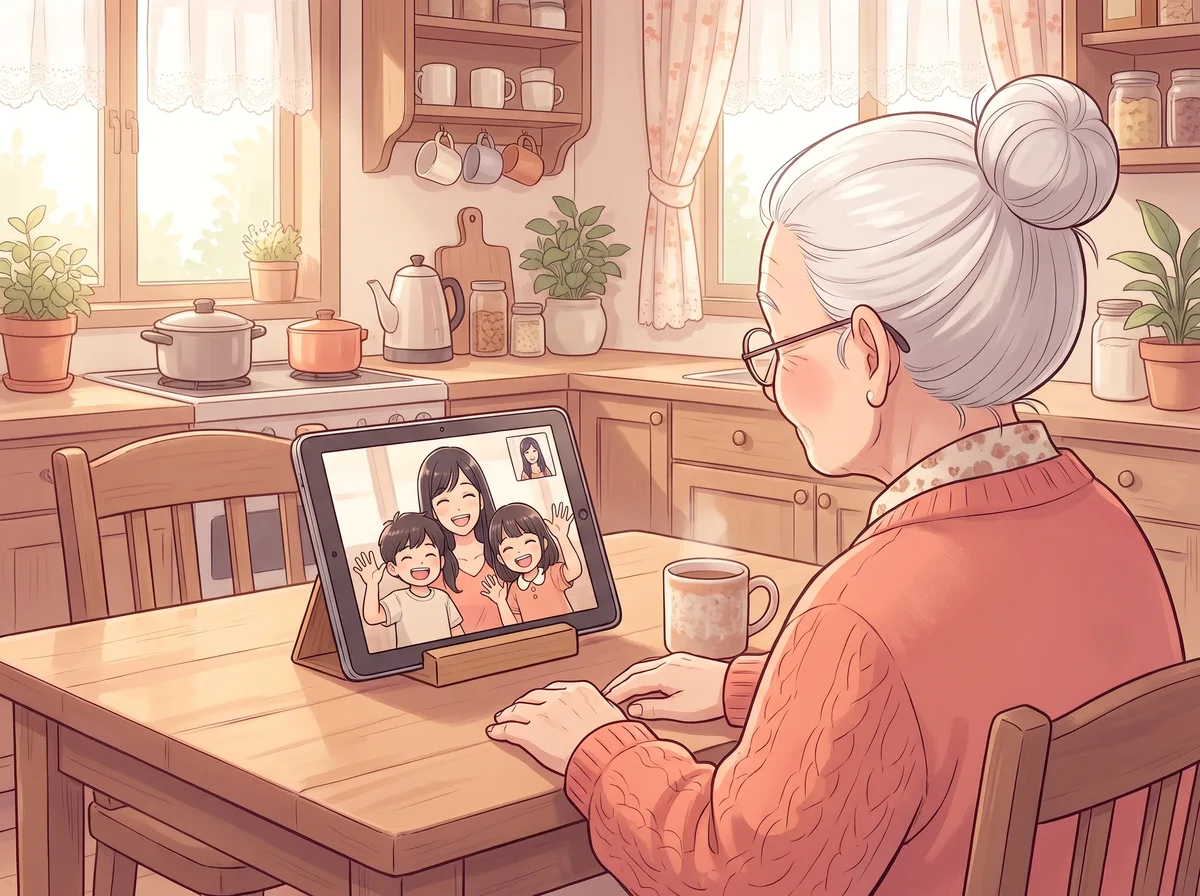
Why video calls fail for older people
Ask any family and you hear the same stories. The tablet rang in another room. She touched the red button instead of the green one. The app asked for a password. The screen was showing something else and she did not dare touch it.
None of this is about age or intelligence. Regular video apps are built for people who use them every day. A grandparent who calls twice a week meets a slightly different screen each time.
A video phone for an elderly person should ask for one gesture, or none.
Calls that open by themselves
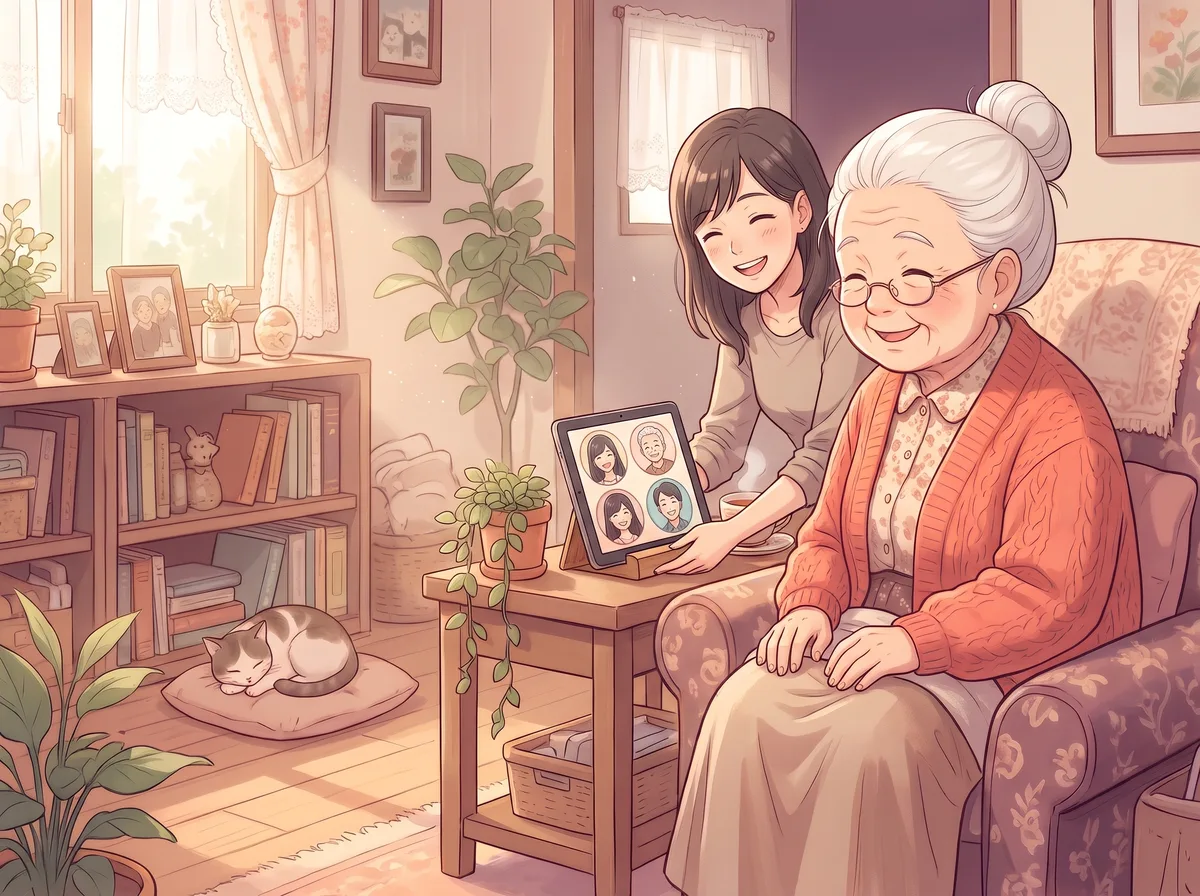
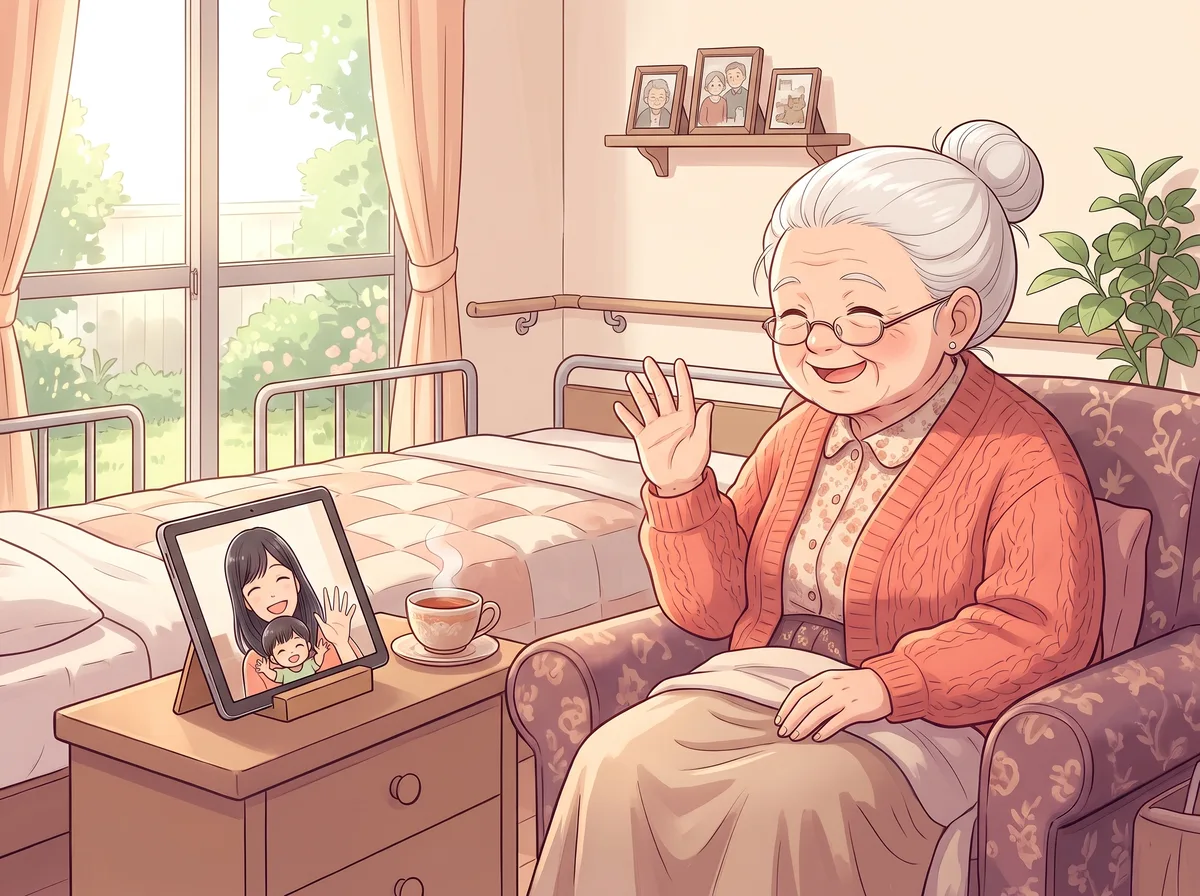
With GrandmaCall, calls from trusted family members can answer by themselves. The tablet rings and shows who is calling. After a few rings, if she has not touched anything, the call opens. She sees you, hears you and talks.
It is built to stay respectful:
- The tablet always rings and shows the caller first, so nobody appears without warning
- Only the people the family marks as trusted can use it
- She can say “Not now” with one touch
- Quiet hours block calls at night
- The camera is on only during a call
Talk about it with her before you turn it on. Most parents like the idea once they understand that the tablet rings first and that they can refuse.
When she wants to call you
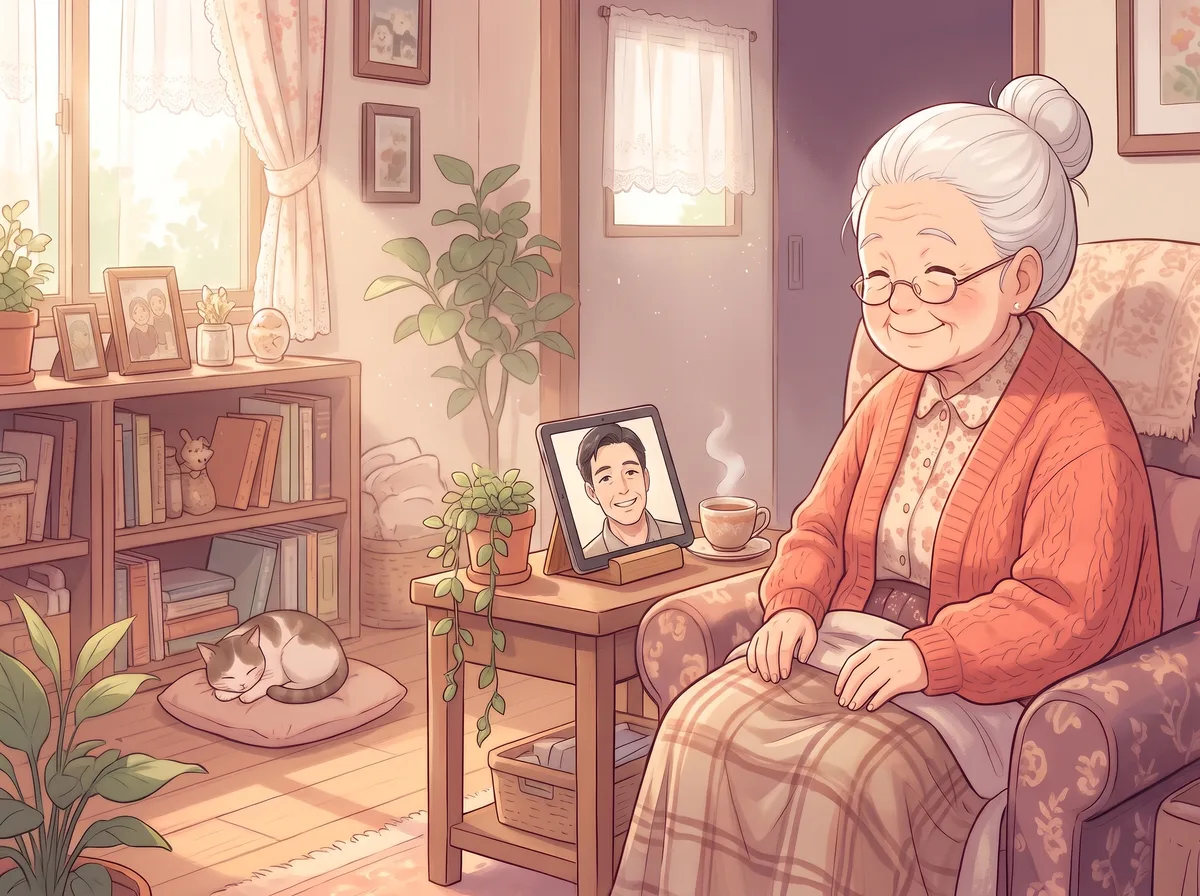
Her screen shows up to four large faces. She touches one. Your phone rings full screen, like a normal call, even if the app is closed. There is no number to dial, no contact list and no menu.
How to set up easy video calls for a grandparent
Pick the device
An iPad or Android tablet from the last few years, on a stand, plugged in. See our guide to choosing and preparing a tablet for seniors.
Choose “Grandma mode” on the tablet
The tablet shows a code. She has no account to create.
Scan the code with your phone
You become the person who manages the tablet. Invite the family with a link.
Mark who is trusted
Decide whose calls open by themselves, and set quiet hours for the night.
Small things that make calls better
- Place the tablet facing her usual chair, at eye level if you can
- Avoid a window behind her, or you will only see a shadow
- Call at regular times, so the ring is expected
- Keep some calls short: two minutes to say good morning counts
- If she wears hearing aids, test the ring and the voice volume with her, then adjust from your phone
Between calls, the same tablet works as a photo frame filled by the family, which gives you something to talk about.
What is free
One-touch calls in both directions are free for good, with one family member. Calls that open by themselves, more family members, urgent calls at night and alerts are in the Family plan, from $3.99 a month. Every family starts with 30 days of everything, no card needed.
GrandmaCall is not a medical device or an emergency alarm, and it does not replace a telephone for emergencies.
Common questions
Is automatic answering safe?
It only works for family members you have invited, approved and marked as trusted. The tablet always rings and shows who is calling before the call opens, and she can refuse with one touch. Strangers cannot call her at all.
Is the camera on all the time?
No. The camera turns on only during a call. Calls go from device to device, encrypted, and are never recorded.
Does she need Wi-Fi or a phone line?
She needs an internet connection: Wi-Fi, or a tablet with mobile data. No phone line is required.
Can the whole family call her?
The free version covers one family member. The Family plan covers up to eight, with one subscription for everyone.
When can we start?
GrandmaCall is in testing. Join the early access list and we will write to you when it opens on the App Store and Google Play.