A tablet for seniors, made from the one you already own
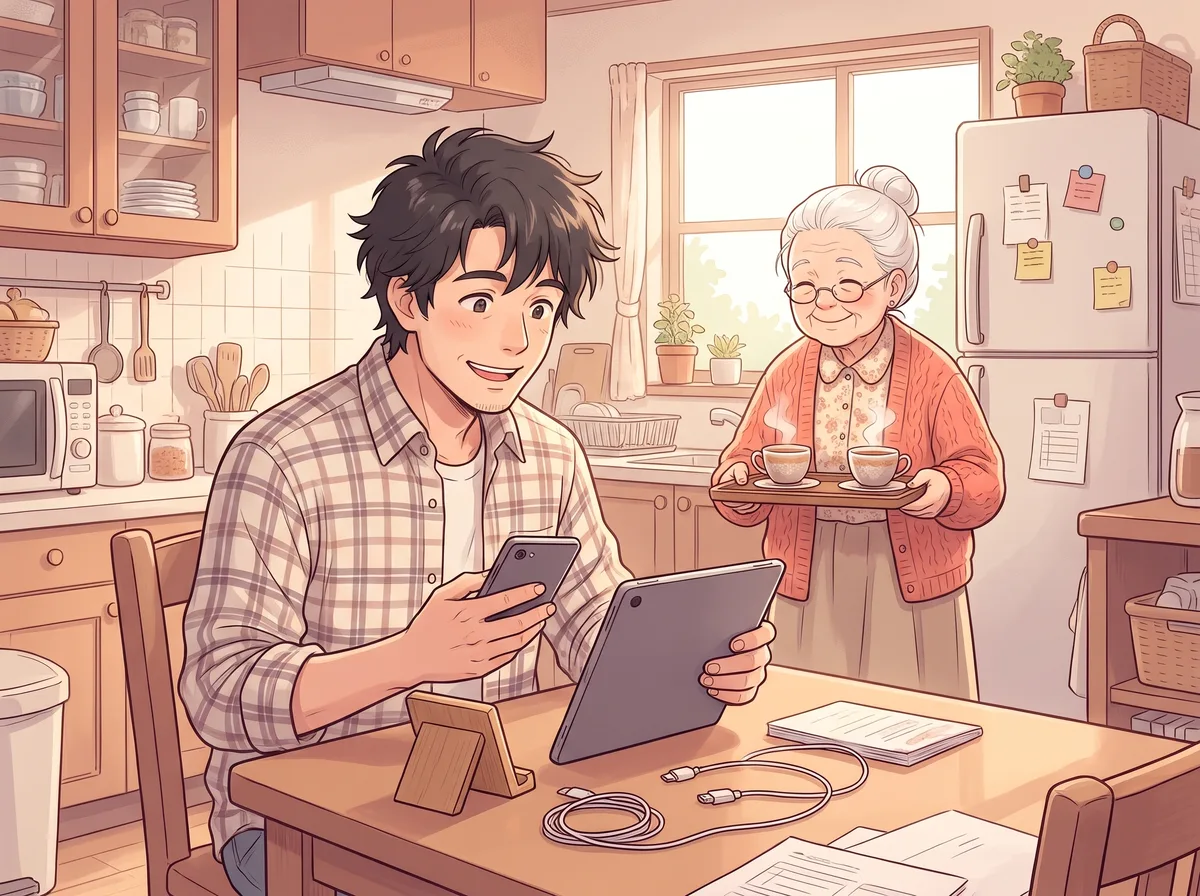
Before you buy a special tablet for an elderly parent, look in the drawer. An iPad or Android tablet from the last few years can become a one-touch video phone that she never has to figure out.
Updated November 22, 2026
What a senior really needs from a tablet
Most tablets fail older people for the same reasons. Too many icons. Messages asking to update something. A password nobody remembers. A call that stops ringing before she finds the green button.
A good tablet for a senior does less, not more. In practice it comes down to a short list:
- One screen that never changes
- Faces, names and buttons large enough to read from the armchair
- No account, no password, no update to accept
- Calls that do not depend on her pressing the right thing in time
- Someone in the family who can fix a setting without being in the room
Buy a tablet for the elderly, or adapt a regular one?
Tablets designed for seniors do this job well. They also cost a few hundred dollars, often with a subscription on top, and they are one more device to buy and set up.
A regular tablet is something many families already have, sitting unused. Its weakness is the software, which was designed for people who are comfortable with screens. Change what the screen shows and the weakness goes away.
That is what GrandmaCall does. In “Grandma mode”, the tablet shows up to four faces to touch, and nothing else. On Android, the app becomes the tablet's home screen. On iPad, you turn on Guided Access once and the app shows you how. Our guide to setting up an iPad for an elderly parent covers that part in detail.
Which tablets work
iPads and Android tablets from roughly the last six years. An old iPhone or Android phone works too, though a bigger screen is easier to see and to hear. The tablet needs Wi-Fi or a mobile data plan. It does not need a phone line.
A few practical details matter more than the model:
- A stand, so the screen faces her chair
- A charger that stays plugged in
- A spot the Wi-Fi reaches well
- A ring loud enough for her, which you can raise later from your phone
How to turn a tablet into a simple tablet for a senior
Install GrandmaCall on the tablet
Open it and choose “Grandma mode”. The tablet shows a code. There is no account to create for her and no email to give.
Scan the code with your phone
Install the app on your own phone and scan the code. You now manage the tablet. The rest of the family joins with a link you send.
Choose who appears
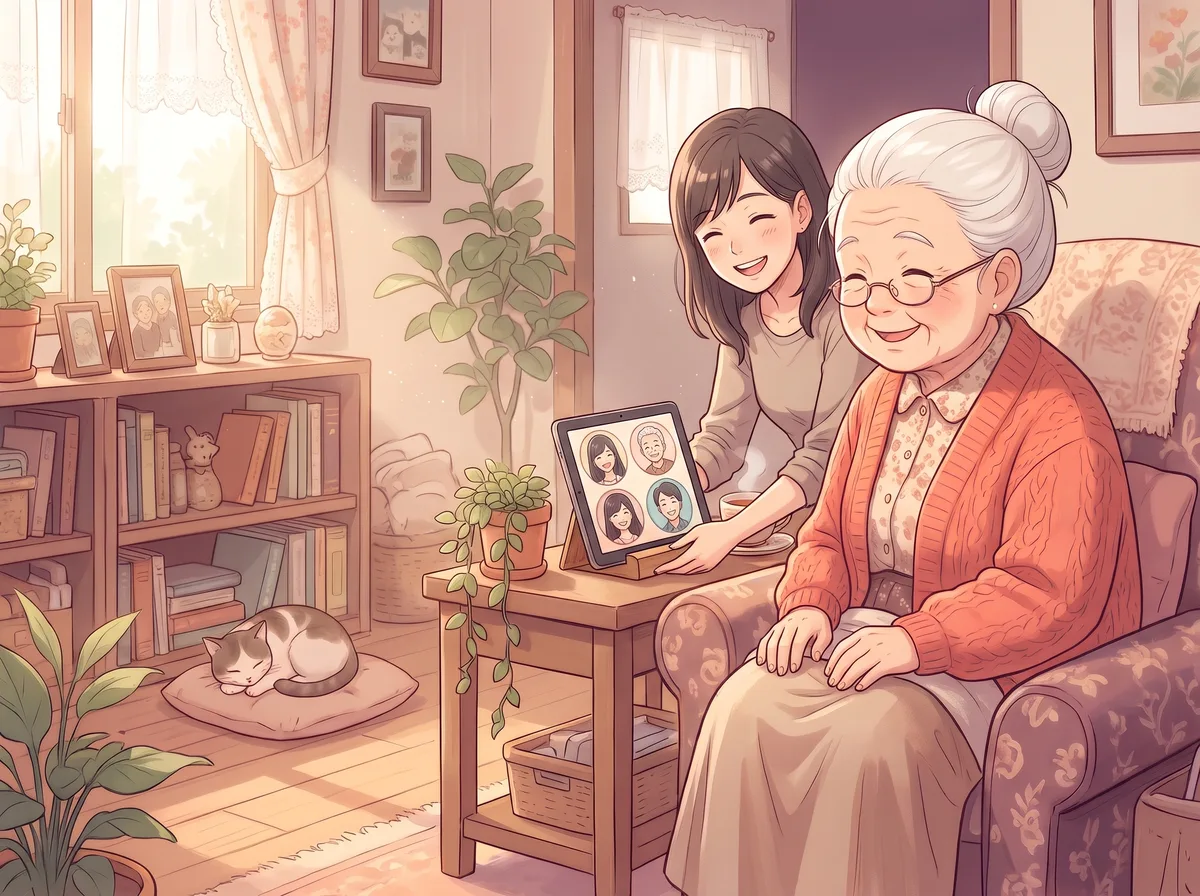
Up to four faces show on her screen. You decide who can call, and whose calls open by themselves after a few rings.
Put it in its place
On a stand, plugged in, near her armchair or in the kitchen. From then on you adjust everything from your phone: ring volume, text size, quiet hours.
What her day looks like
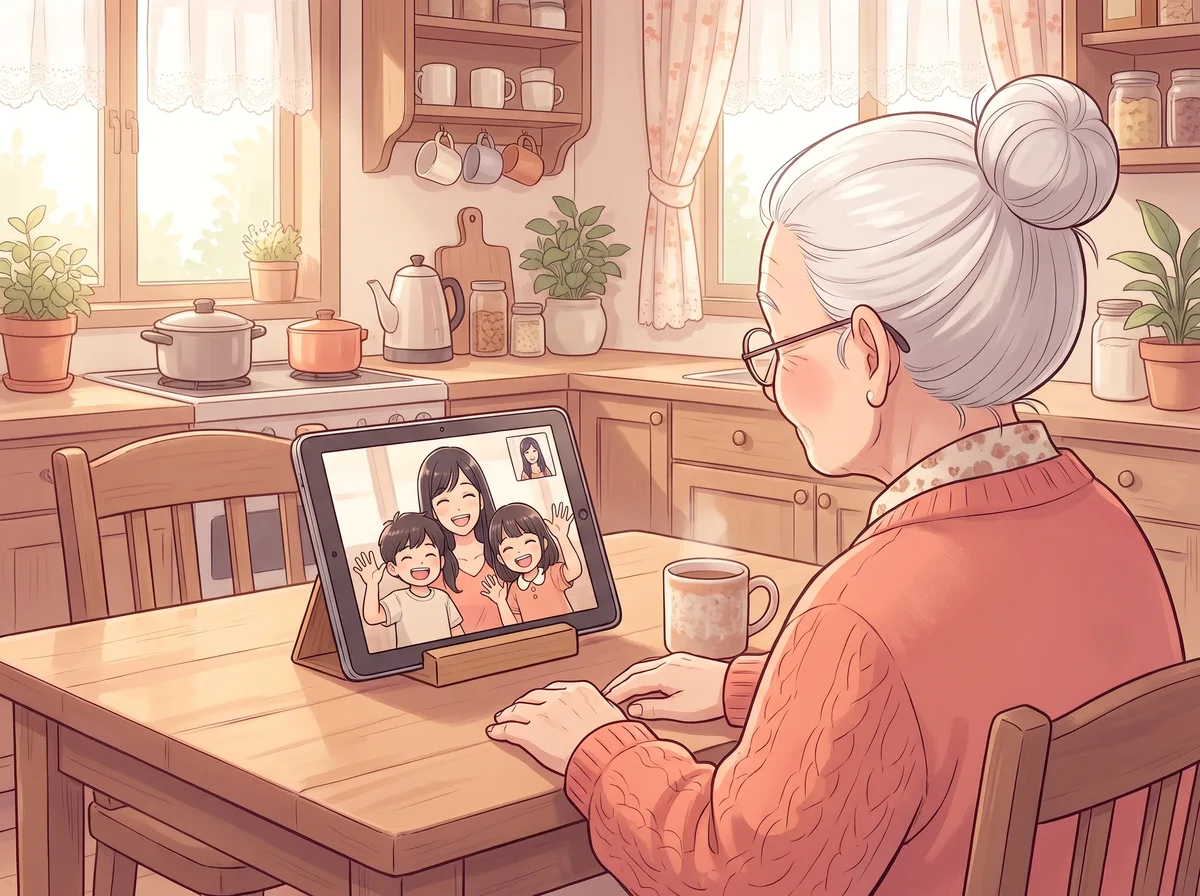
She touches a face to call you, and your phone rings full screen like a real call. When you call her, the tablet rings and shows who is calling. If you are marked as trusted, the call opens on its own after a few rings. She can always say “Not now” with one touch. More on this in video calling for seniors.
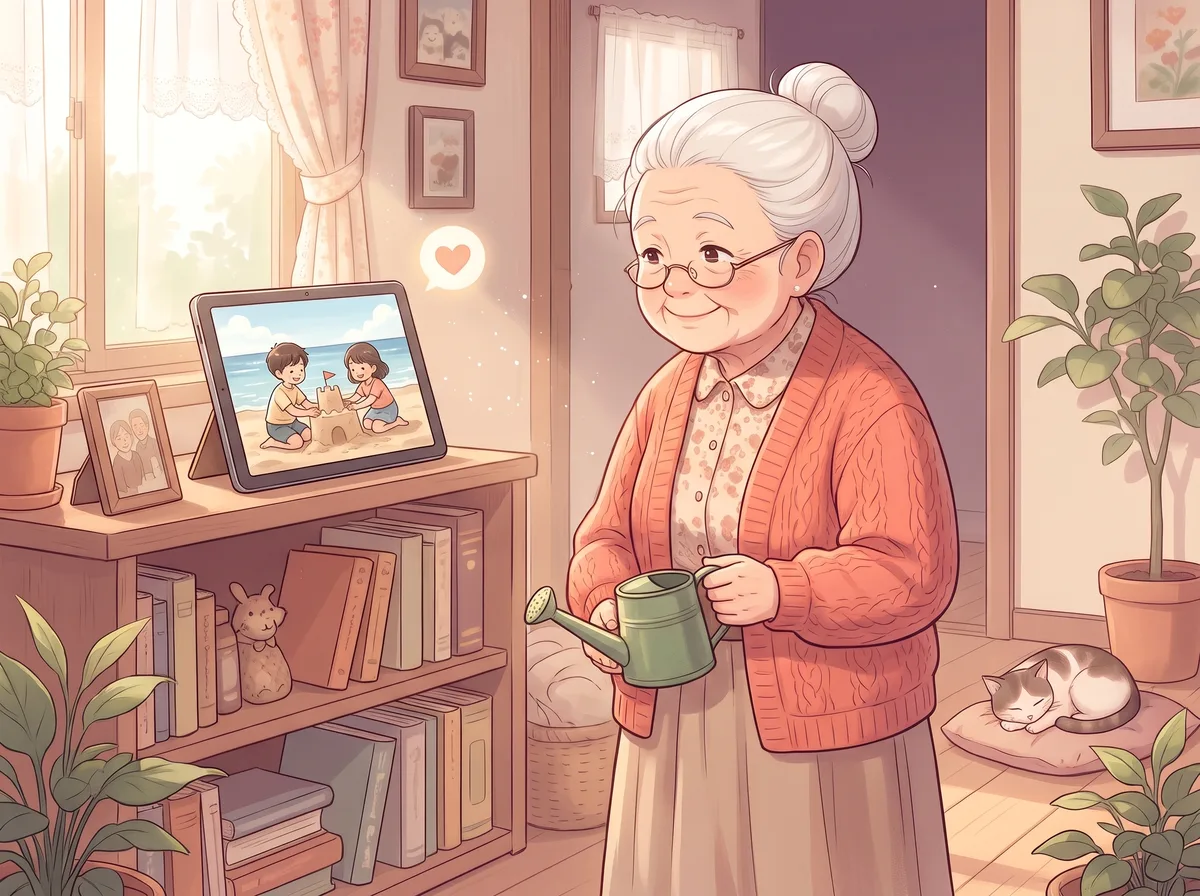
Between calls, the tablet becomes a family photo frame. You send a photo from your phone, she answers with a heart.
What it costs
Calling is always free, with one family member and five photos in the frame. The Family plan adds up to eight family members, calls that open by themselves, 200 photos, hearts, urgent calls at night and alerts if the tablet goes offline or gets unplugged. It starts at $3.99 a month. Every family begins with 30 days of everything, no card needed.
GrandmaCall is not a medical device or an emergency alarm. It needs power and an internet connection to work.
Common questions
What is the best tablet for seniors?
The one she will actually use. Rather than a brand, look for a screen of about ten inches, clear speakers and a solid stand. What the screen shows matters more than the model: one simple screen beats a fast tablet full of icons.
Can I use an old iPad or Android tablet?
Yes, if it is from roughly the last six years and still connects to Wi-Fi. A battery that no longer holds a charge is not a problem, since the tablet stays plugged in.
Does she need an email address or an account?
No. In Grandma mode there is no account, no password and no login screen. The family manages everything from their own phones.
Can she still use other apps on the tablet?
In Grandma mode the tablet does one thing: calls and family photos. That is the point. If she enjoys other apps and handles them well, keep her usual tablet as it is and put GrandmaCall on an older device.
When will GrandmaCall be available?
The first version is in testing. Leave your email and we will write to you as soon as it opens on the App Store and Google Play.