A digital photo frame for grandparents that also makes video calls
A photo frame the family fills from far away is one of the gifts grandparents use most. You may not need to buy one. A tablet you already own can do it, and ring when you call.
Updated November 22, 2026

What a connected photo frame does
A connected frame shows photos that somebody else sends. The grandparent does nothing. The birthday cake, the first bike ride, the dog asleep on the sofa: the pictures arrive on their own, in her living room.
It works because it asks nothing of her. No album to open, no message to find, no attachment to download.
Why use a tablet instead of buying a frame
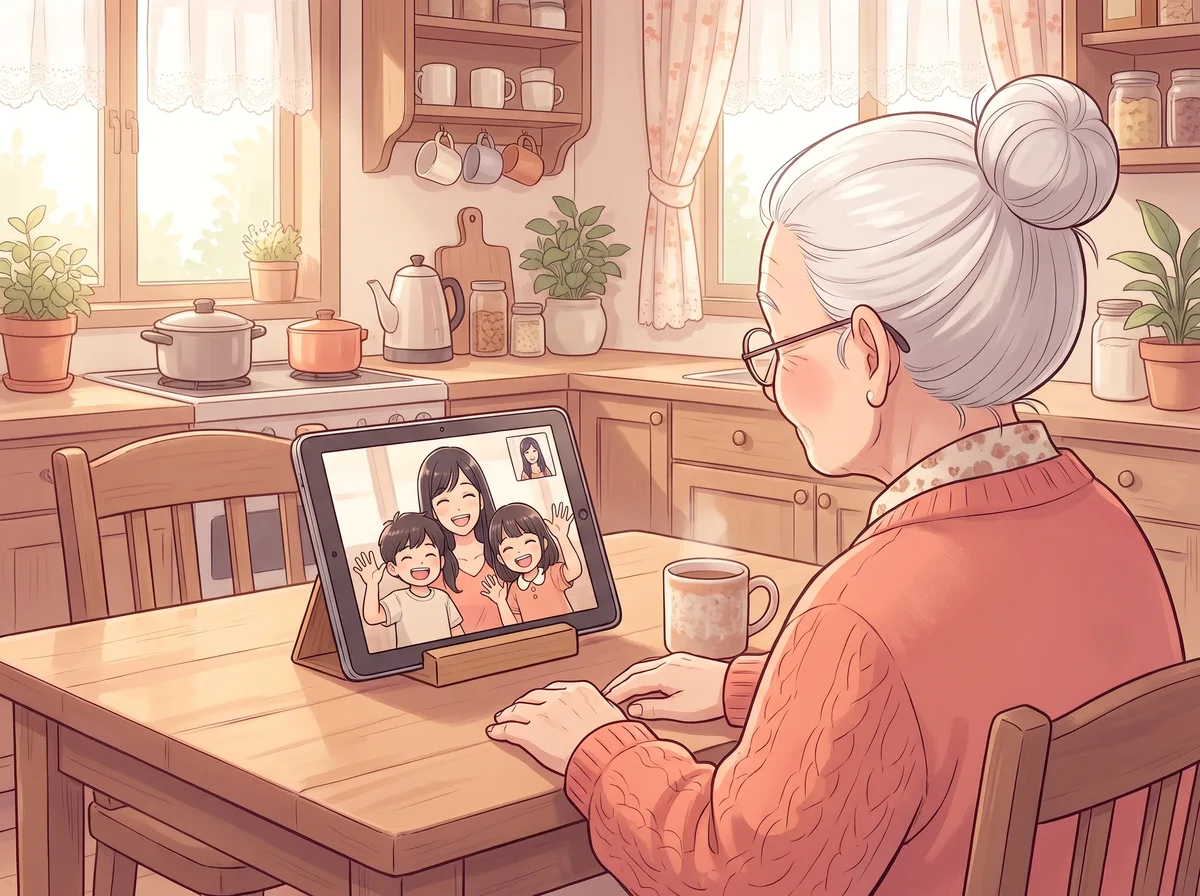
A dedicated frame does one thing. A tablet on a stand can do two: show the photos, and let her see you live.
- Nothing new to buy if a tablet is sitting in a drawer
- The same screen rings when the family calls
- She can touch a face to call you back about the photo she just saw
- You manage everything from your phone, from any distance
A dedicated frame stays the simpler choice if you only want photos and have no spare tablet. The rest of this page is for families who want both.
How the GrandmaCall photo frame works
When nobody is calling, the tablet shows the family's photos, one after another. You send a new one from your phone in two taps, from wherever you are.
When a new photo arrives, she can answer with a heart. You see it on your phone. It is a small thing, and it is often the part families like most: proof that the photo was seen, without her writing a word.
One touch on the photo brings back the faces to call. And when you call, the tablet rings over the photos, shows who is calling and, for trusted family members, opens the call by itself.
How to set up a photo frame on a tablet
Put the tablet where she looks
On a shelf or a side table, on a stand, plugged in, where the Wi-Fi reaches. A frame works best in the room where she spends her day.
Choose “Grandma mode”
Install GrandmaCall on the tablet and choose “Grandma mode”. No account for her.
Link your phone
Scan the tablet's code with your phone, then invite the family with a link.
Send the first photos
Choose a few recent ones. People and faces work better than landscapes on a screen seen from across the room.
Ideas that keep the frame alive
- One photo a week from each household, instead of fifty at once
- Everyday moments: the school gate, the garden, dinner on the table
- An old photo now and then, which starts a story on the next call
- A photo sent just before you call, so she already knows what you will talk about
It also makes a gift that does not end on the day: for Christmas, for a birthday or for Grandparents Day, each grandchild can add a picture.
What is free
The free version shows five photos and includes calls with one family member. The Family plan holds 200 photos, adds hearts and “seen”, and lets up to eight family members send pictures and call, from $3.99 a month. You begin with 30 days of everything, no card needed. After that nothing is deleted: what goes beyond the free limits is simply paused.
For choosing and preparing the device, see a tablet for seniors from the one you already own.
Common questions
Does she have to do anything to see new photos?
No. New photos appear on their own. If she wants, she touches the heart to tell you she saw it.
Who can send photos to the frame?
Only the family members you have invited and approved. Nobody else can send anything to the tablet.
How many photos can it hold?
Five in the free version and 200 with the Family plan.
Does it need Wi-Fi?
Yes, the tablet needs an internet connection to receive photos and calls: Wi-Fi, or a mobile data plan.
Can I get it now?
Not yet. GrandmaCall is in testing. Leave your email and we will tell you when it opens on the App Store and Google Play.