Video calls with a parent who has dementia: keeping in touch gently
When memory loss sets in, the telephone is often one of the first things to slip. This page is for families looking for a phone for someone with dementia. It will not promise more than a screen can give.
Updated November 22, 2026
Why phones and tablets become difficult
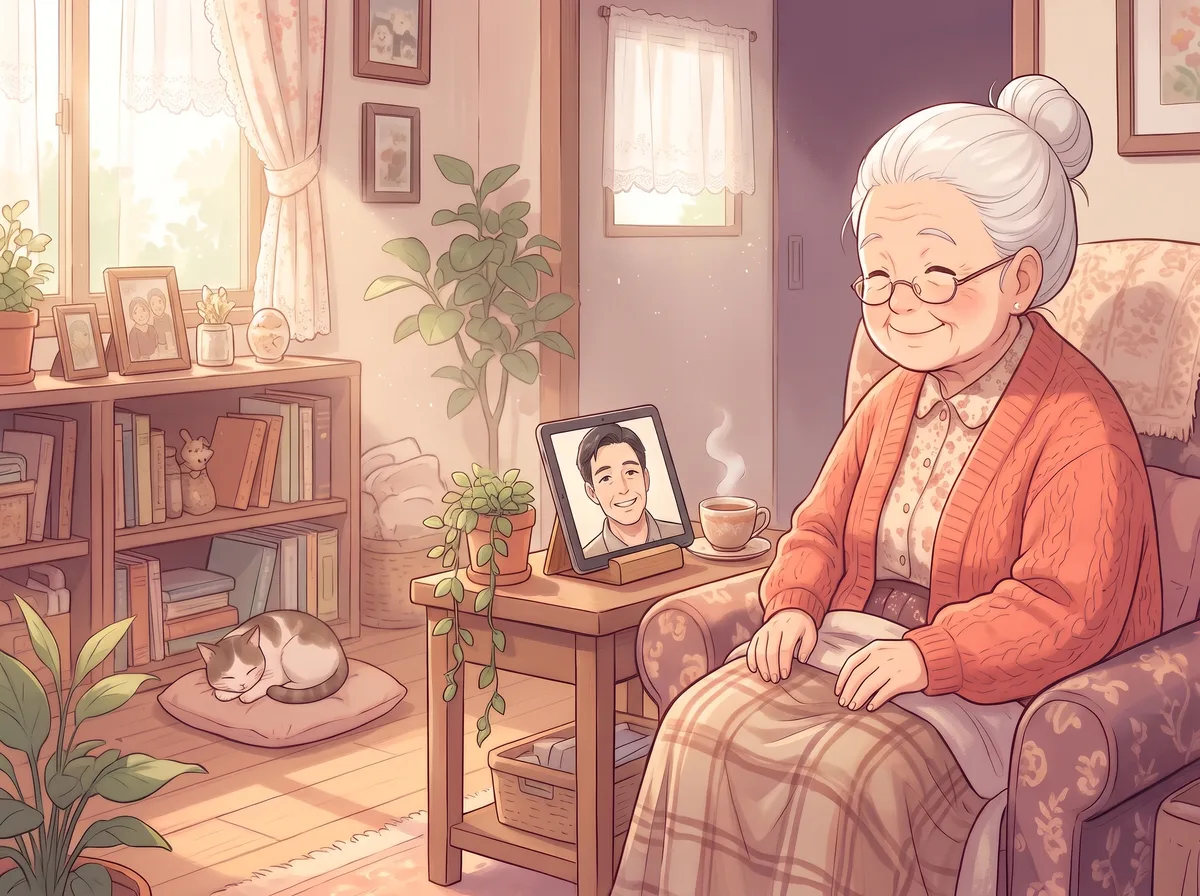
A call takes more steps than we notice. Recognise the ring, find the device, read a name, choose a button, hold the device the right way. Each step can become an obstacle. Many families see the same signs: calls that go unanswered, calls made by accident, a parent who says the phone is broken.
Every person and every situation is different. What follows are things families often find helpful. None of it is medical advice. The doctor or care team who knows your parent is the right place for that.
What tends to help during a call
- A face rather than a voice alone: say who you are anyway, every time
- The same moment of the day, when your parent is usually at their best
- Short calls, and one person speaking at a time
- A quiet room, with the television off
- Talking about now, or about old times, without testing memory with “do you remember?”
- Ending the call calmly as soon as it seems tiring or confusing
What GrandmaCall changes, and what it does not
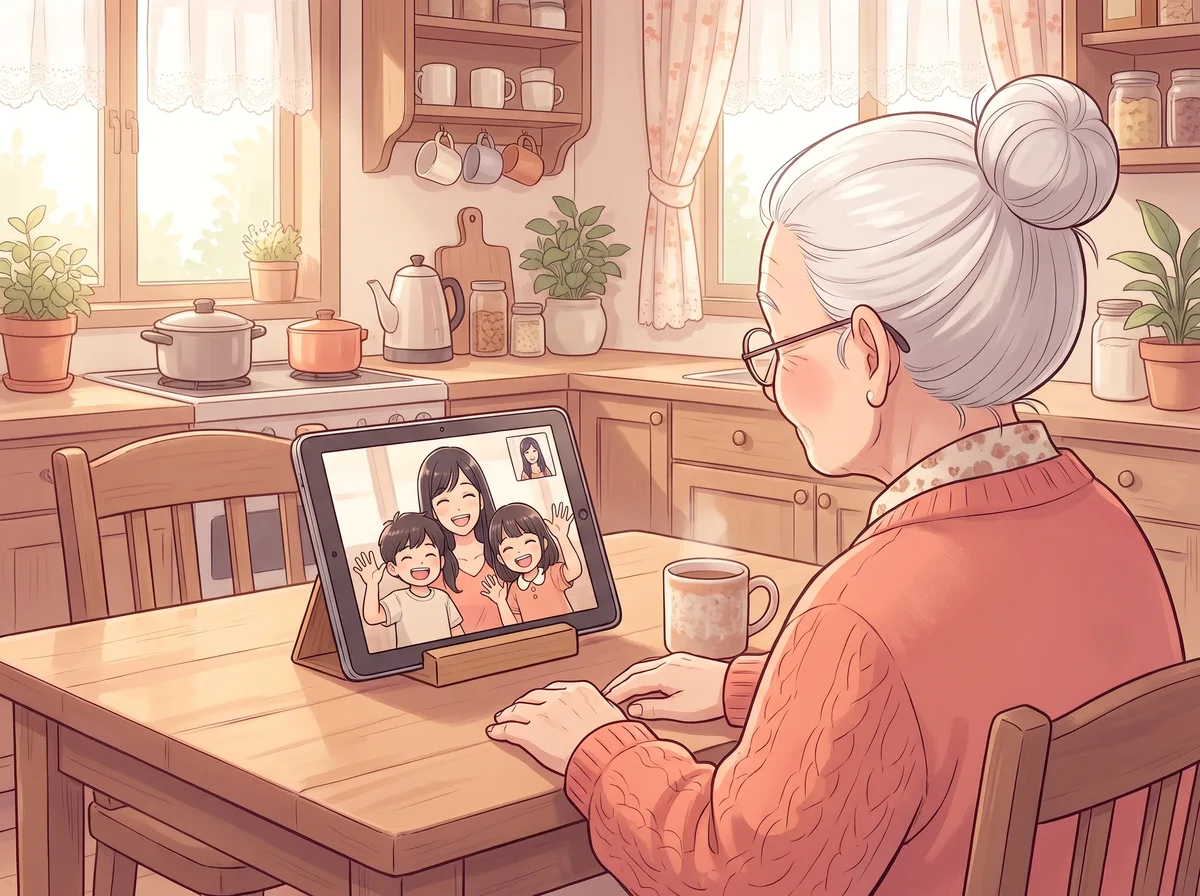
GrandmaCall turns a tablet into a video phone with a single screen. In “Grandma mode” it shows up to four faces, with nothing to read and no menu. Touching a face starts a call.
For the family members you mark as trusted, an incoming call can open by itself. The tablet rings and shows who is calling. After a few rings the call opens, without any button to press. Between calls, the tablet shows family photos, which can be a familiar presence in the room.
Everything is set from a family member's phone: who appears, the ring volume, quiet hours at night. There is no account or password for your parent.
We cannot tell you that your parent will be able to use it, or will enjoy it. That depends on the person and on the moment. The first 30 days are free, with no card, which leaves time to see how it goes.
Consent comes first
A call that opens by itself is a real intrusion if it has not been agreed. Please take this part seriously.
- Talk about it with your parent, as early as possible, while they can say what they want
- Show them how it works: it rings, it shows a face, they can touch “Not now”
- Keep the list of trusted people short, and agree on it together
- Use quiet hours, and call at the times that were agreed
- If someone holds a power of attorney or is their guardian, decide with that person
- In a care home, tell the staff the tablet is there and what it does
Then keep watching. If calls appearing on the screen upset or frighten your parent, turn automatic answering off, or stop. Their reaction counts more than the plan.
What it is not
GrandmaCall is not a medical device, a monitoring system or an emergency alarm. It does not detect falls, it does not locate anyone and it cannot call for help. Nobody can watch through the tablet without it ringing and showing who is calling.
It does not replace visits, care or the people who are physically there. It is one more way to see each other between visits.
How to set it up
Prepare the tablet at your home first
Install GrandmaCall, choose “Grandma mode” and scan the code with your phone. Add the faces before your parent sees it.
Introduce it together
Place it where your parent sits most often, on a stand, plugged in. Make the first calls while someone is in the room with them.
Start with normal calls
Let your parent answer by touch at first. Turn on automatic answering later, once it has been agreed.
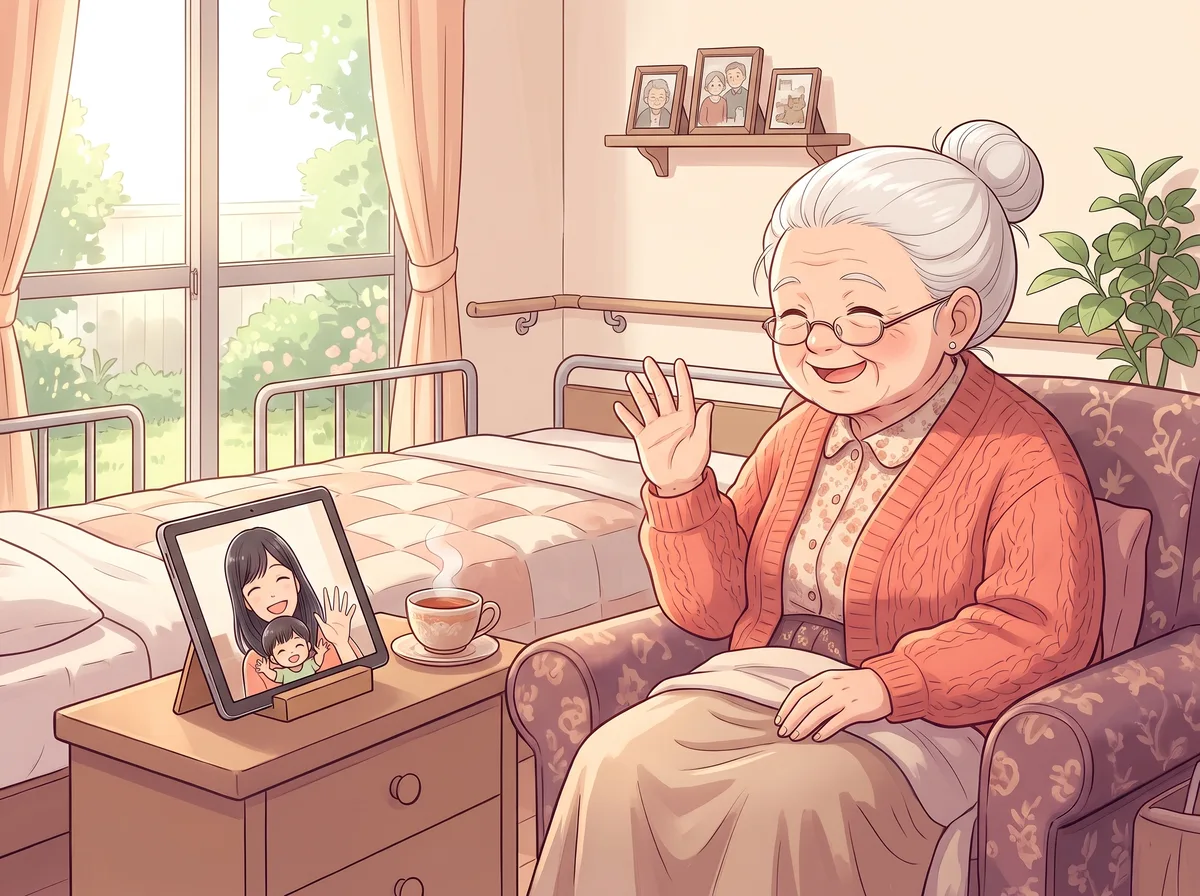
If your parent lives in a facility, see also video calls with a parent in a care home. For choosing the device, see a tablet for seniors.
Common questions
Will my parent be able to use it?
We cannot promise that. It depends on the person and on how they are that day. The app is designed so that there is nothing to learn: one screen, faces to touch, and calls that can open without any gesture. The first 30 days are free, which lets you try without committing.
Can I check on my parent through the tablet?
No. GrandmaCall is not a monitoring tool. The tablet always rings and shows who is calling before a call opens, the camera is on only during a call, and your parent can refuse with one touch.
What happens at night?
Quiet hours block calls at night. With the Family plan, a trusted family member can still place an urgent call. Agree beforehand on when that is acceptable.
Is automatic answering free?
It is part of the Family plan, from $3.99 a month, after 30 free days with everything. One-touch calls with one family member stay free.
Is GrandmaCall a medical device?
No. It is a communication app. It does not diagnose, treat, monitor or alert, and it does not replace professional care.